
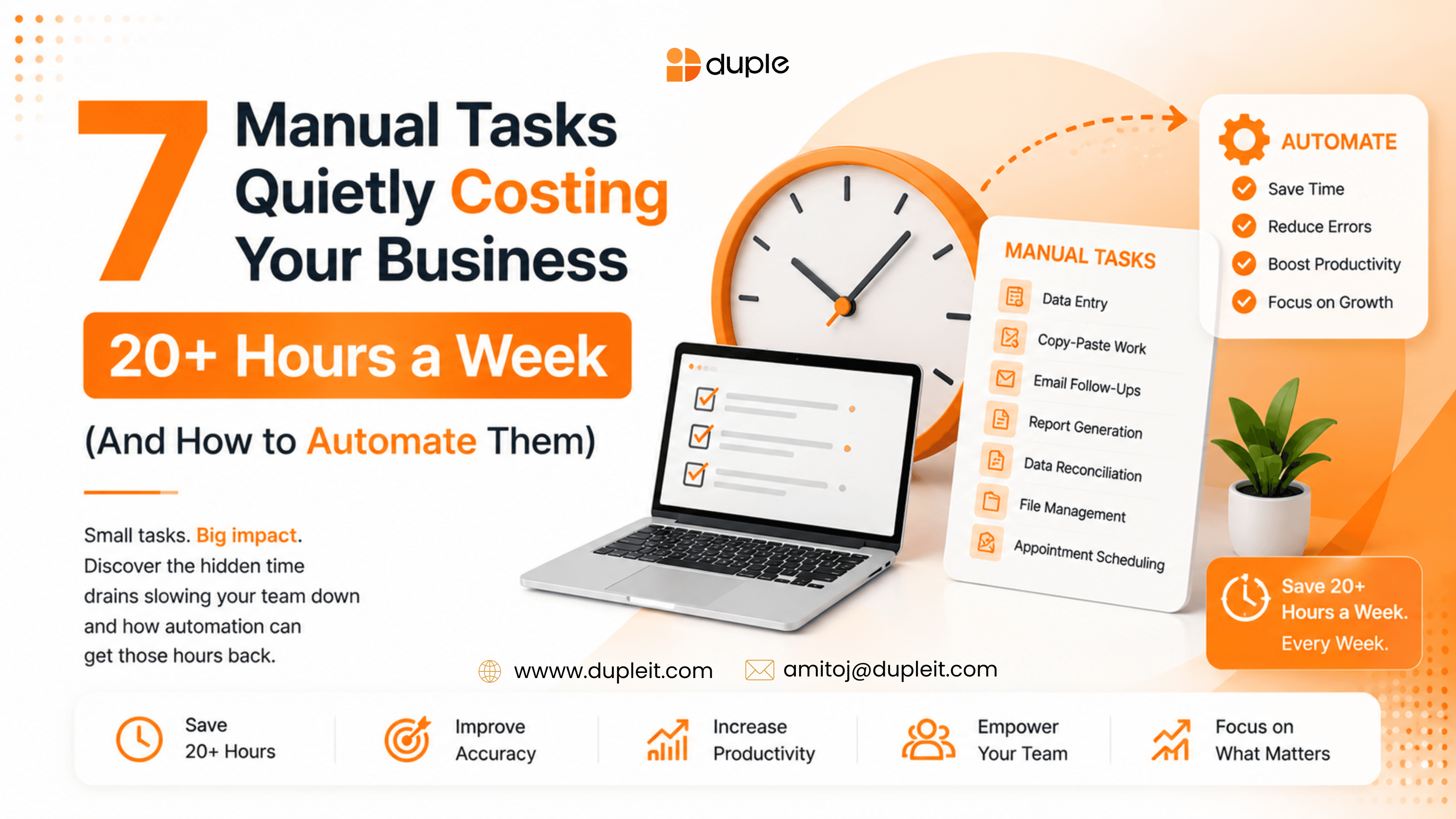
If your team feels permanently busy but somehow never gets ahead, the culprit is usually invisible: dozens of small, manual, repetitive tasks that quietly eat entire workdays. Research backs this up. Smartsheet found that over 40% of workers spend at least a quarter of their week on manual, repetitive work, and other studies put the average knowledge worker at nearly four hours a day on tasks that could be automated. Across a small team, that easily adds up to 20+ hours every single week lost to work a computer could be doing instead.
The good news: most of these tasks follow predictable rules, which makes them ideal candidates for automation, especially when you partner with the best AI automation company to set them up the right way. Below are the seven manual tasks most likely to be draining your business right now, why they cost so much, and exactly how to automate each one.
Why manual tasks cost more than you think?
The obvious cost of manual work is time. But the hidden costs are bigger: human error, delayed responses, inconsistent follow-up, employee burnout, and the opportunity cost of skilled people doing copy-paste work instead of growing the business. When you automate a repetitive task, you do not just save hours, you also remove a source of mistakes and free your team for higher-value work.
A simple way to spot what to automate: if a task is repetitive, rule-based, time-consuming, and done the same way every time, it is almost always automatable.
The 7 manual tasks quietly costing your business 20+ hours a week
1. Following up with leads and prospects
Most leads never get a timely response, and slow follow-up is one of the biggest reasons deals go cold. Manually tracking who to email, when, and what to say is both tedious and error-prone.
How to automate it: Use a CRM with automated email sequences and lead-routing rules. When a lead fills out a form, trigger an instant acknowledgement, assign the lead to the right rep, and schedule a series of timed follow-ups automatically. Tools like HubSpot, Zapier, or Make can connect your forms, inbox, and CRM so no lead slips through the cracks. Time saved: 3-5 hours per week.
2. Scheduling meetings and calls
The back-and-forth of finding a meeting time can take five or more emails per meeting. Multiply that across a week and it is a silent time sink.
How to automate it: Use a scheduling tool such as Calendly or Google Calendar appointment booking. Share a single link, let people pick from your real availability, and let the tool handle confirmations, reminders, and time-zone math automatically. Time saved: 2-3 hours per week.
3. Manual data entry and re-typing information
Copying data between a form, a spreadsheet, an invoice, and a CRM is one of the most common and most error-prone manual tasks in any business.
How to automate it: Connect your apps so data flows automatically. Automation platforms like Zapier and Make can push a new form submission straight into your CRM, spreadsheet, and accounting tool at once. For documents, OCR and AI tools can read invoices or receipts and extract the data for you. Time saved: 4-6 hours per week.
4. Sending invoices and chasing payments
Creating invoices by hand, then remembering who has not paid and politely nudging them, is a recurring drain that also hurts cash flow when it slips.
How to automate it: Use accounting software such as QuickBooks, Xero, or FreshBooks to auto-generate invoices, set up recurring billing, and send automatic payment reminders on a schedule. You get paid faster and stop spending Fridays chasing overdue accounts. Time saved: 2-3 hours per week.
5. Client and employee onboarding
Onboarding usually means the same emails, contracts, welcome documents, and checklists every single time, assembled by hand for each new person.
How to automate it: Build an onboarding workflow that triggers automatically. When a deal closes or a hire is confirmed, automatically send the welcome sequence, contract for e-signature, account setup links, and task checklist. Combine a workflow tool with e-signature software like DocuSign to make the whole process hands-off. Time saved: 2-4 hours per week.
6. Social media posting and reporting
Logging into each platform to post, then manually pulling metrics into a report, eats hours and is easy to forget when you get busy.
How to automate it: Schedule posts in advance with tools like Buffer, Hootsuite, or Later, and let them publish across every channel automatically. For reporting, use dashboards that pull your metrics together so you never build a report by hand again. Time saved: 2-3 hours per week.
7. Generating recurring reports and updates
Weekly sales numbers, project status updates, and performance dashboards are often rebuilt from scratch every period by copying figures between tools.
How to automate it: Connect your data sources to a live dashboard tool like Google Looker Studio, Databox, or your CRM's built-in reporting. The report updates itself in real time, and you can schedule it to be emailed to stakeholders automatically. Time saved: 2-4 hours per week.
How to decide what to automate first?
You do not have to automate everything at once. Start by auditing one typical week and listing every repetitive task. Then prioritize using a simple rule: automate the tasks that are most frequent, most rule-based, and most painful when done late or done wrong. Following the 80/20 principle, a small number of tasks usually account for most of your wasted time, so fix those first and expand from there.
Frequently asked questions
Ques 1: How much time do businesses waste on manual tasks?
Studies suggest most teams lose a significant share of every week to manual work. Smartsheet reports over 40% of workers spend at least a quarter of their week on repetitive tasks, and many businesses waste up to 30% of their time on work that could be automated, which commonly adds up to 20 or more hours a week across a small team.
Ques 2: Which business tasks should I automate first?
Start with high-frequency, rule-based tasks that directly affect revenue or customer experience: lead follow-up, scheduling, data entry, invoicing, and onboarding. These deliver the fastest, most visible return on time saved.
Ques 3: How do you decide what to automate versus keep manual?
Automate tasks that are repetitive, predictable, and done the same way every time. Keep tasks manual when they require human judgment, empathy, creativity, or one-off decision-making that does not follow a clear rule.
Ques 4: What is the 80/20 rule for automation?
The 80/20 rule means roughly 20% of your tasks cause about 80% of your wasted time. Identifying and automating that critical 20% gives you the biggest time savings for the least effort.
Ques 5: What tools do I need to start automating?
Most businesses start with a connector like Zapier or Make to link their existing apps, plus category tools such as a CRM, a scheduling app, accounting software, and a social media scheduler. You rarely need to replace your stack, you just connect it.
Reclaim your week, starting now
Every hour spent on manual, repetitive work is an hour not spent serving customers or growing your business. The seven tasks above are the most common places those hours disappear, and each one can be automated with tools you may already have.
Pick the single task that frustrates your team the most, automate it this week, and build momentum from there. Your future self, and your bottom line, will thank you.
Need help with this?
We help businesses implement what we write about. Book a free call to discuss your specific situation.


