
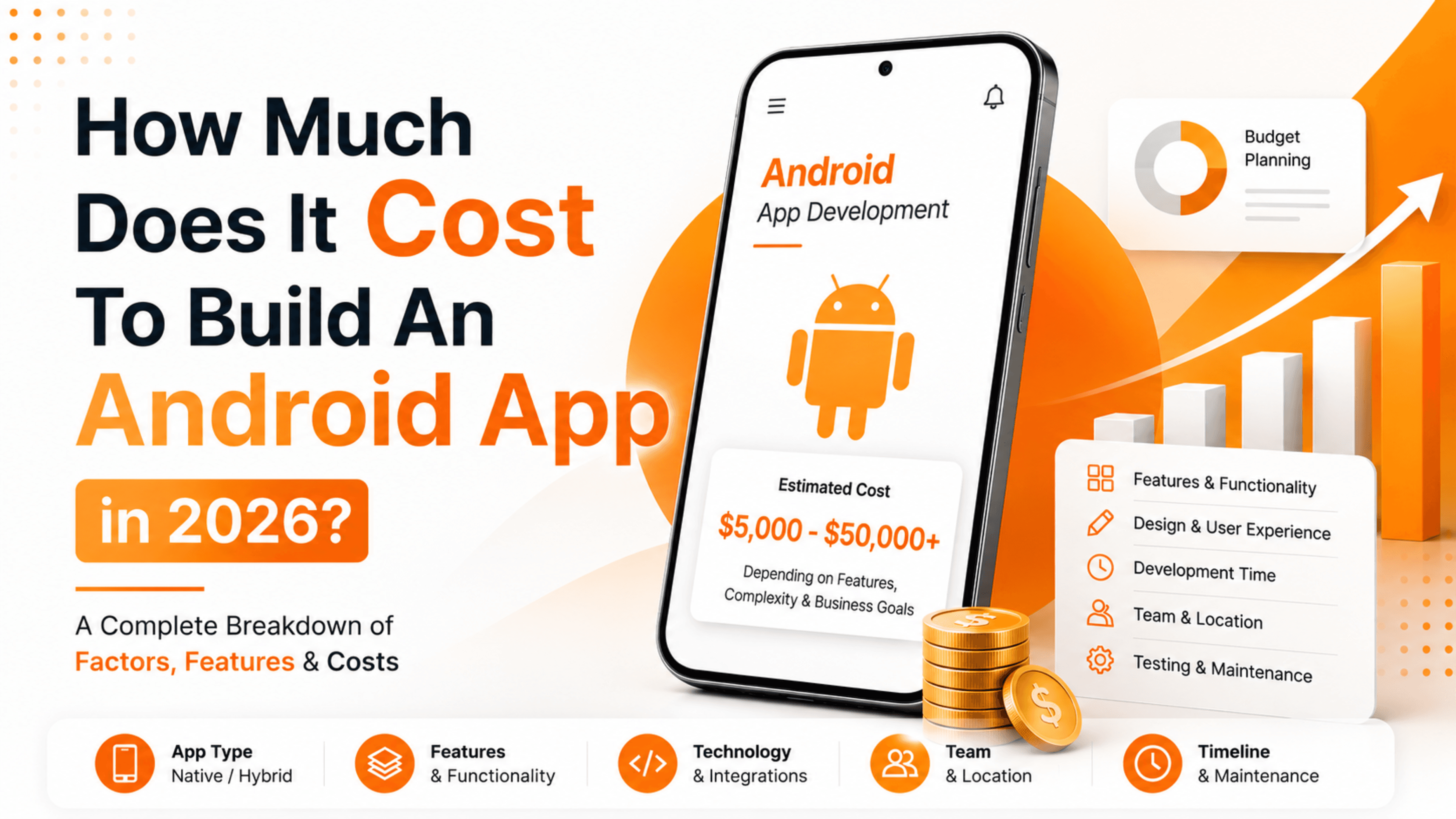
If you're planning to build an Android app this year, the first question on your mind is probably about money. And that makes sense. Before you sketch a single screen or write a line of code, you want a clear picture of what you're getting into.
Here's the honest answer: the cost to build an Android app in 2026 usually falls between $15,000 and $250,000, depending on how complex your idea is. A simple app sits at the lower end. A feature-heavy platform with payments, real-time chat, and AI features climbs toward the top.
That's a wide range, though, and a wide range isn't very useful when you're trying to plan a budget. So let's break it down properly. By the end of this guide, you'll understand what drives the price, where your money actually goes, and how to spend it wisely.
Note: All figures below are approximate market ranges and should be verified with current vendor quotes before you finalize any budget.
What Determines the Cost of an Android App?
No two apps cost the same, because no two apps do the same thing. Still, most of the price comes down to a handful of factors.
Here are the big ones:
- App complexity — The number of features and how they connect. A to-do list is simple. A ride-hailing app is not.
- Design requirements — Basic layouts cost less. Custom animations, illustrations, and polished branding cost more.
- Backend and infrastructure — Apps that store user data, handle logins, or process payments need servers and databases behind them.
- Third-party integrations — Maps, payment gateways, chat, and analytics tools each add work.
- Who builds it — A freelancer, a local agency, and a large firm all charge very differently.
- Where the team is located — Developer rates in North America differ sharply from rates in South Asia or Eastern Europe.
Keep these six in mind as we go. Almost every number in this article traces back to one of them.
Android App Cost by Complexity
The clearest way to estimate cost is by app type. Below is a rough breakdown based on how much work each category typically involves.
| App Type | Example | Estimated Cost | Timeline |
|---|---|---|---|
| Simple app | Calculator, notes, single-purpose tool | $15,000 – $40,000 | 2 – 4 months |
| Medium-complexity app | E-commerce store, booking app | $40,000 – $100,000 | 4 – 7 months |
| Complex app | Social network, fintech, on-demand service | $100,000 – $250,000+ | 8 – 12+ months |
These ranges are approximate and vary by region and vendor.
Simple Apps
A simple app does one or two things well. Think of a flashlight app, a basic calculator, or a company info app. There's little to no backend, minimal design work, and few integrations.
These are the fastest and cheapest to build. If your idea is straightforward, you can launch without breaking the bank.
Medium-Complexity Apps
This is where most business apps land. An online store, a fitness tracker, or an appointment booking tool all fit here.
These apps need user accounts, a database, some third-party services, and a more thoughtful design. The work adds up, but the results can drive real revenue.
Complex Apps
Complex apps are their own beasts. A social media platform, a banking app, or an Uber-style service involves real-time features, heavy security, multiple user roles, and constant scaling.
Expect a bigger team, a longer timeline, and a serious budget. But if you're building something at this level, you're usually chasing a large market too.
Where Your Money Actually Goes?
A common mistake is to assume the whole budget goes to coding. It doesn't. App development is a team sport, and several roles share the cost.
Here's roughly how a typical project budget splits:
- Development (front-end and back-end) — 40% to 50%
- UI/UX design — 15% to 20%
- Project management — 10% to 15%
- Quality assurance and testing — 10% to 15%
- Deployment and post-launch support — 5% to 10%
Notice that design, testing, and management together take almost half the budget. That's not waste. A well-designed, well-tested app keeps users happy and cuts expensive fixes later.
Development Cost by Hiring Option
Who you hire changes the price more than almost anything else. Let's compare your main options.
Freelancers
Freelancers are the budget-friendly choice. You might pay $20 to $60 per hour for a skilled Android developer, depending on their location and experience.
The upside is low cost and flexibility. The downside is that one person can't cover design, backend, testing, and project management alone. For anything beyond a simple app, you'll need several freelancers, and coordinating them becomes your job.
In-House Teams
Hiring your own team gives you full control and long-term ownership. But salaries, benefits, equipment, and office costs make this the most expensive route by far.
This option only makes sense if app development is core to your business and you'll keep building for years.
Development Agencies
Agencies sit in the middle and are the most popular choice for serious projects. You get a full team: designers, developers, testers, and a project manager, all working together.
Rates vary widely by region:
| Region | Approximate Hourly Rate |
|---|---|
| North America | $100 – $250 |
| Western Europe | $80 – $200 |
| Eastern Europe | $40 – $90 |
| South Asia (India) | $25 – $60 |
Rates are approximate and shift over time.
This is why many companies in the US, UK, Canada, and Australia partner with agencies in regions like India. You get experienced teams at a fraction of local rates, without the hassle of managing individuals. If you're weighing this route, it helps to work with a team that has shipped Android apps across different industries, like the specialists at Duple IT Solutions.
Native vs. Cross-Platform: Does It Change the Cost?
You'll hear a lot about native versus cross-platform development, and it does affect your budget.
- Native Android apps are built specifically for Android using Kotlin. They perform beautifully and use every device feature, but they only run on Android.
- Cross-platform apps, built with tools like Flutter or React Native, run on both Android and iOS from one codebase.
If you plan to launch on Android and iOS, cross-platform can save you a good chunk of money because you build once instead of twice. However, for apps that demand top performance or deep hardware access, native still wins.
For an Android-only launch, native development is often the simplest, cleanest path.
Hidden and Ongoing Costs People Forget
The build price is not the finish line. Apps are living products, and they cost money to keep alive. Budget for these from day one:
- Google Play Store fee — A one-time $25 registration to publish on the Play Store.
- Servers and hosting — Monthly cloud costs that grow as your users grow.
- Maintenance and updates — Plan for roughly 15% to 20% of the original build cost per year to fix bugs and stay compatible with new Android versions.
- Third-party service fees — Payment gateways, SMS, maps, and push notification services often charge based on usage.
- Marketing — An app nobody knows about earns nothing. Set aside a real budget to get users.
Many first-time founders spend everything on the build and forget the rest. Don't be one of them.
How to Reduce Android App Development Costs?
You can build a great app without overspending. These strategies work again and again.
Start with an MVP. Build a Minimum Viable Product first, one that includes only your core feature. Launch it, learn from real users, then add features that people actually want. This avoids paying for features nobody uses.
Prioritize ruthlessly. List every feature you dream of, then cut it in half. The other half can wait for version two.
Use existing tools. Ready-made services for logins, payments, and notifications save weeks of custom work.
Choose the right partner. A cheaper hourly rate that produces messy code will cost you more in fixes. Look for value, not just the lowest number.
Keep communication tight. Unclear requirements cause rework, and rework is expensive. A clear plan up front saves real money.
A Realistic Budget Example
Say you want to build a medium-complexity food delivery app for Android. Here's how a rough budget might look with an experienced offshore agency:
- Design: $8,000
- Front-end and back-end development: $35,000
- Third-party integrations (payments, maps): $6,000
- Testing and QA: $7,000
- Project management: $5,000
- Estimated total: around $61,000
Add ongoing hosting and maintenance, and you're looking at another $10,000 to $12,000 in the first year. These numbers are illustrative, but they show how the pieces fit together.
Frequently Asked Questions
How much does it cost to build a basic Android app in 2026?
A basic Android app with limited features usually costs between $15,000 and $40,000. The exact price depends on design, backend needs, and who builds it.
Is it cheaper to build an Android app or an iOS app?
The costs are broadly similar. Android can sometimes take slightly more testing time because there are so many device types, but the difference is usually small.
How long does it take to build an Android app?
A simple app takes about 2 to 4 months. A medium app takes 4 to 7 months, and a complex app can take a year or more.
Can I build an Android app on a small budget?
Yes. Start with an MVP that includes only your core feature, use ready-made tools, and work with a cost-effective development partner. You can launch lean and grow later.
What ongoing costs should I expect after launch?
Plan for hosting, maintenance (around 15% to 20% of build cost per year), third-party service fees, and marketing. These keep your app running and growing.
Final Thoughts
Building an Android app in 2026 is an investment, and like any investment, the smart move is to spend with a plan. The price depends on your app's complexity, your design goals, who you hire, and how you handle the costs that come after launch.
Don't chase the cheapest quote. Chase the right fit, a team that understands your goals and builds something users love. Get a clear scope, start with an MVP, and grow from there.
Ready to turn your app idea into reality? Get in touch with the team at Duple IT Solutions for a free consultation and a tailored quote for your Android project. Let's build something worth downloading.
Need help with this?
We help businesses implement what we write about. Book a free call to discuss your specific situation.


