
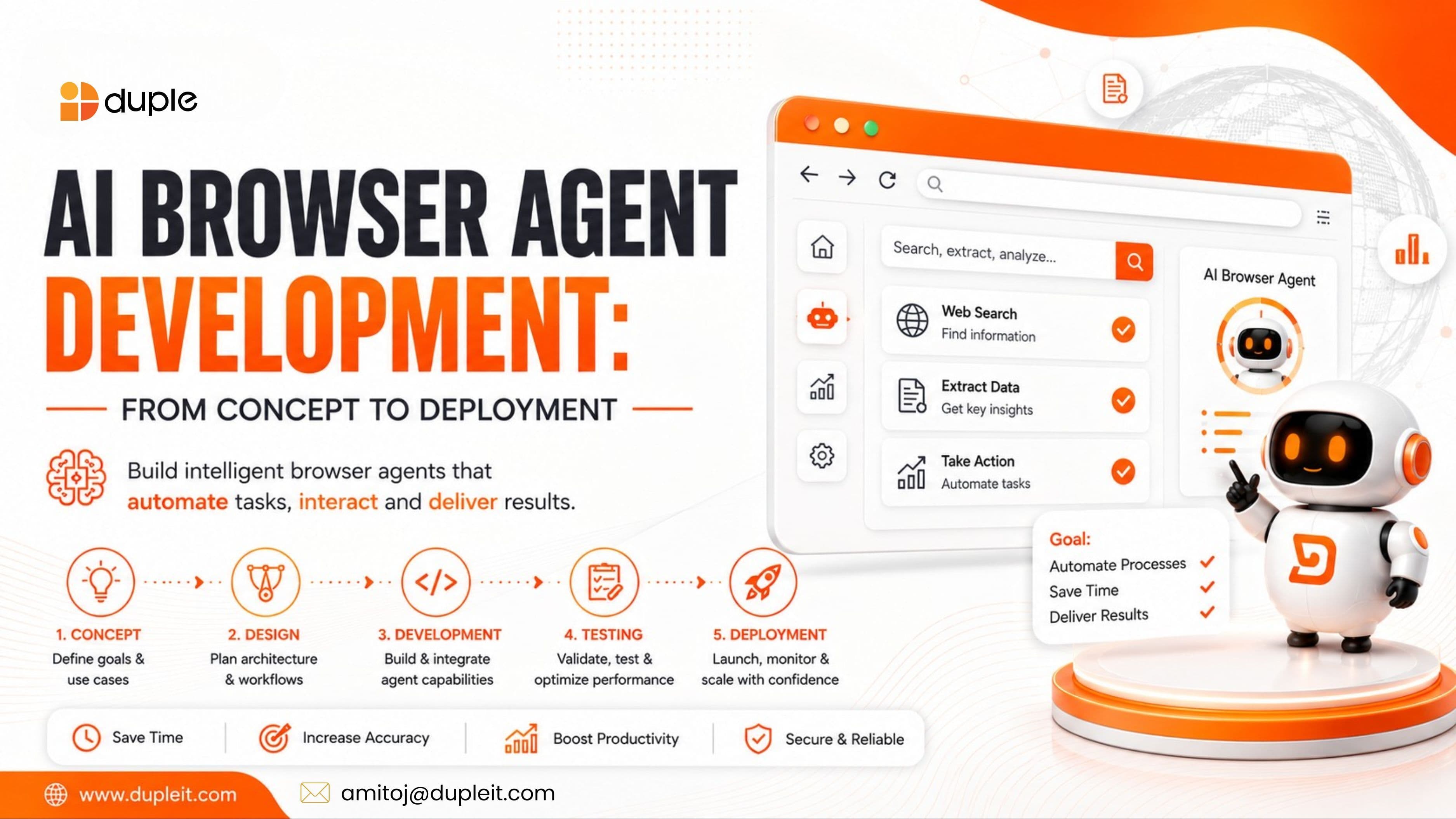
Most work today happens inside a browser. We research, fill forms, pull reports, check dashboards, and copy data between tools all day long. A lot of that work is repetitive, and repetitive work is exactly what machines do best.
That's the idea behind an AI browser agent: software that reads a web page, understands what you want, and completes the task on its own. It clicks, types, scrolls, and navigates much like a person would, but without a human sitting there doing it.
Interest in these agents has climbed sharply over the past year, and it's easy to see why. They promise to take slow, manual web tasks off your team's plate. But building one that actually works in the real world is harder than the demos make it look.
This guide walks you through the whole journey of AI browser agent development, from the first idea to a working system in production. You'll learn how these agents work, what to build them with, how much they cost, and where teams usually go wrong.
Note: Market figures, timelines, and cost ranges below are approximate and should be verified before you rely on them for planning.
What Is an AI Browser Agent?
An AI browser agent is a software system that can understand a goal, navigate websites, interact with page elements, and finish a task with little or no human help. It combines two things: the reasoning power of a large language model and the control of a browser automation tool.
Put simply, the language model is the brain, and the browser automation is the hands.
Here's a plain example. You tell the agent, "Find the three cheapest flights from Delhi to Dubai next Friday and save them to a sheet." The agent reads your instruction, opens a travel site, searches, compares prices, and records the results. You just describe the goal in normal language, and the agent handles the steps.
This is different from old-school automation scripts. A traditional script follows fixed rules and breaks the moment a website changes. An AI agent can reason about the page, adapt when things look different, and recover from small errors.
How AI Browser Agents Work
Behind the scenes, most AI browser agents follow a simple loop. Understanding it helps you see where they shine and where they struggle.
The loop looks like this: plan, act, observe, adjust.
- Receive the goal. The agent takes your instruction in natural language.
- Read the page. It studies the web page, either by parsing the HTML and DOM structure or by "looking" at a screenshot with computer vision.
- Make a plan. It breaks the goal into a series of smaller steps.
- Take action. It clicks buttons, fills fields, scrolls, and navigates.
- Check the result. It confirms whether the step worked and adjusts if something went wrong.
This constant cycle of acting and checking is what makes agents flexible. That said, it's also where errors creep in. A single wrong click, like selecting the wrong button, can throw off every step that follows. This is why reliability, not raw capability, is the real challenge in AI agent development.
Key Components of an AI Browser Agent
To build a solid agent, you need several parts working together. Think of these as the core building blocks.
- The AI model (the brain). A large language model that reasons about the page and decides what to do. Modern models are now good enough to interpret page structure and plan multi-step actions.
- Browser automation (the hands). Tools like Playwright, Puppeteer, or Selenium let the agent control a real browser: clicking, typing, and navigating.
- The orchestration layer. This manages the flow, memory, and tools. Frameworks like LangGraph or Browser Use often sit here.
- Memory and context. So the agent remembers what it has done and keeps track of the task.
- Integrations. Connections to your other business systems, APIs, and databases.
- Security and permission controls. Rules that decide what the agent may and may not do.
Not every project needs all of these at full strength. A simple agent might use just a model and a browser tool. An enterprise system needs every layer, tightly controlled.
Popular Tools and Frameworks in 2026
The ecosystem has grown fast, and there are now many ways to build. Here's a quick look at the main options and what they're good for.
| Tool / Framework | Best For | Type |
|---|---|---|
| Playwright | Reliable, low-level browser control | Open source |
| Browser Use | Open-source agent building with any LLM | Open source |
| LangGraph | Production-grade agent workflows | Open source |
| Playwright MCP | Connecting LLMs to a browser via MCP | Open source |
| Browserbase / Steel | Cloud-hosted browsers built for agents | Managed service |
Tool capabilities and pricing change often. Confirm current details on each provider's site before choosing.
A common and reliable pattern is to build the core on Playwright and add an orchestration framework only at the planning layer. Frameworks are great for speeding up a prototype, but many teams find that heavy frameworks don't survive a strict production environment unchanged.
Real-World Use Cases
Where do AI browser agents actually earn their keep? The strongest use cases share one trait: repetitive web tasks that need a little judgment but follow a pattern.
Here are the most common ones:
- Data extraction and web scraping. Pulling structured data from many sites at scale.
- Form filling and data entry. Completing applications, vendor portals, and government forms.
- Research and monitoring. Tracking prices, job listings, product changes, and competitor moves.
- Quality assurance testing. Running end-to-end tests and adapting when the UI changes.
- Workflow automation. Moving data between tools that don't talk to each other.
A good rule of thumb: if your team repeats the same web task many times a day, and each run needs some interpretation but not deep human judgment, an agent is worth considering.
The AI Browser Agent Development Process
Building an agent that works reliably follows a clear path. Rushing any step usually causes pain later. Here's the process from concept to deployment.
Step 1: Define the Task Clearly
Start by defining the exact problem your agent will solve. Treat the task like a contract: what are the inputs, what counts as success, and what actions is the agent allowed to take?
Fuzzy scope is where most projects go sideways. A tightly defined task keeps cost, risk, and complexity under control from the start.
Step 2: Choose Your Architecture and Stack
Next, pick your agent pattern and tools. This single choice shapes your cost, speed, and reliability before anyone writes code.
A smart default for production is a hybrid approach: let the AI model reason over the page, but route the steps that must never go wrong, like payments, logins, and data writes, through fixed, deterministic APIs. You get flexibility where it helps and predictability where it counts.
Step 3: Build the Core Logic
Now you build the reasoning and action layers. The agent needs to understand instructions, plan steps, act in the browser, and check its own work. Give it only the tools the job requires, and nothing more. This "least privilege" rule keeps the agent safe and focused.
Step 4: Add Guardrails and Security
Security is not optional here. An agent with access to your browser also has access to your logins, personal data, and accounts. Build in permission controls, keep secrets in a secure vault (never hardcoded), and log every action so it can be reviewed and reversed.
Step 5: Test Thoroughly
Test the agent against real websites and real edge cases. Websites change, and brittle selectors break overnight. Use resilient locators, self-healing fallbacks, and monitoring that flags a spike in failures before your users notice.
Step 6: Deploy and Monitor
Finally, deploy to production and watch it closely. Ongoing monitoring, model routing, and caching help control costs and catch problems early. An agent is never truly "finished"; it needs care as the web around it shifts.
How Much Does AI Browser Agent Development Cost?
Cost depends heavily on complexity, so there's no single number. Still, thinking in terms of project stages helps.
- Proof of concept (PoC): A small test to prove the idea works. Often around 6 to 10 weeks.
- MVP: A focused, working version for one core workflow. Often around 10 to 16 weeks.
- Production system: A reliable, monitored deployment. Often 4 to 8 months.
- Enterprise system: Many workflows, integrations, and strict security. This can take 8 to 14 months or longer.
These timelines are approximate and shift with scope. Treat them as rough planning guides, not quotes.
The biggest cost drivers are the number of websites involved, the level of autonomy required, integration needs, security controls, and testing depth. Also budget for ongoing costs: model usage fees, cloud browser hosting, and maintenance as sites change.
Common Challenges (and How to Handle Them)
Even strong teams hit the same roadblocks. Knowing them ahead of time saves you real trouble.
- Reliability. Agents still fail on a meaningful share of tasks, so human review remains important for anything sensitive. (Benchmark results vary by test and should be verified.)
- Breaking websites. Sites change often. Fix this with resilient, role-based locators and self-healing fallbacks.
- Runaway costs. Unoptimized model usage can blow budgets fast. Control it with model routing, caching, and clear limits.
- Security risks. Agents touch sensitive data and sessions. Least-privilege access and runtime logging are must-haves.
- Unclear value. Some analysts warn that many agentic AI projects may be scrapped due to weak goals and controls. Start with a clear, measurable problem to avoid this trap.
The lesson across all of these: capability is easy to demo, but reliability and control are what separate teams that ship from teams that just show off.
Frequently Asked Questions
What is an AI browser agent?
An AI browser agent is software that understands a goal, navigates websites, and completes tasks on its own. It pairs a large language model for reasoning with a browser automation tool for clicking, typing, and navigating, so it can handle web tasks with little human input.
How is an AI browser agent different from a normal automation script?
A traditional script follows fixed rules and breaks when a website changes. An AI browser agent can reason about the page, adapt to changes, and recover from small errors, which makes it far more flexible for real-world tasks.
How long does it take to build an AI browser agent?
A proof of concept often takes around 6 to 10 weeks. A focused MVP may take 10 to 16 weeks, and a full production system commonly takes 4 to 8 months. Enterprise deployments can take much longer. These ranges vary with complexity.
What are AI browser agents used for?
Common uses include data extraction and web scraping, automated form filling, price and competitor monitoring, quality assurance testing, and moving data between business tools. They work best for repetitive web tasks that need light judgment.
Are AI browser agents safe to use?
They can be, with the right controls. Because an agent has access to logins and sensitive data, safe deployment relies on least-privilege permissions, secure secret storage, action logging, and human review for high-risk steps like payments.
Final Thoughts
AI browser agents are shifting from experiment to real infrastructure. When built well, they take slow, repetitive web work off your team and free people up for the tasks that truly need human judgment.
But the path from concept to deployment rewards care over speed. Define the task tightly, choose a hybrid architecture, build in security from day one, and test against the messy reality of live websites. Skip those steps, and even a clever agent will fail in production.
The teams that win here treat reliability and control as the main goal, not an afterthought.
Thinking about building an AI browser agent for your business? Talk to the team at Duple IT Solutions for a free consultation. We'll help you scope the right use case, pick the right stack, and build an agent that's reliable, secure, and ready for real-world work.
Need help with this?
We help businesses implement what we write about. Book a free call to discuss your specific situation.


